

Back to Portfolio
COMPLETED
JSON Formatter
Formats JSON automatically! Open Source, Available with Dark and Light mode, Syntax Highlighting, and automatically linkifies links.
ClientJSON Tools
Completed
January 2023
Technologies2 Tech Stack
Technology Stack


Project Overview
Formats JSON automatically! Open Source, Available with Dark and Light mode, Syntax Highlighting, and automatically linkifies links.
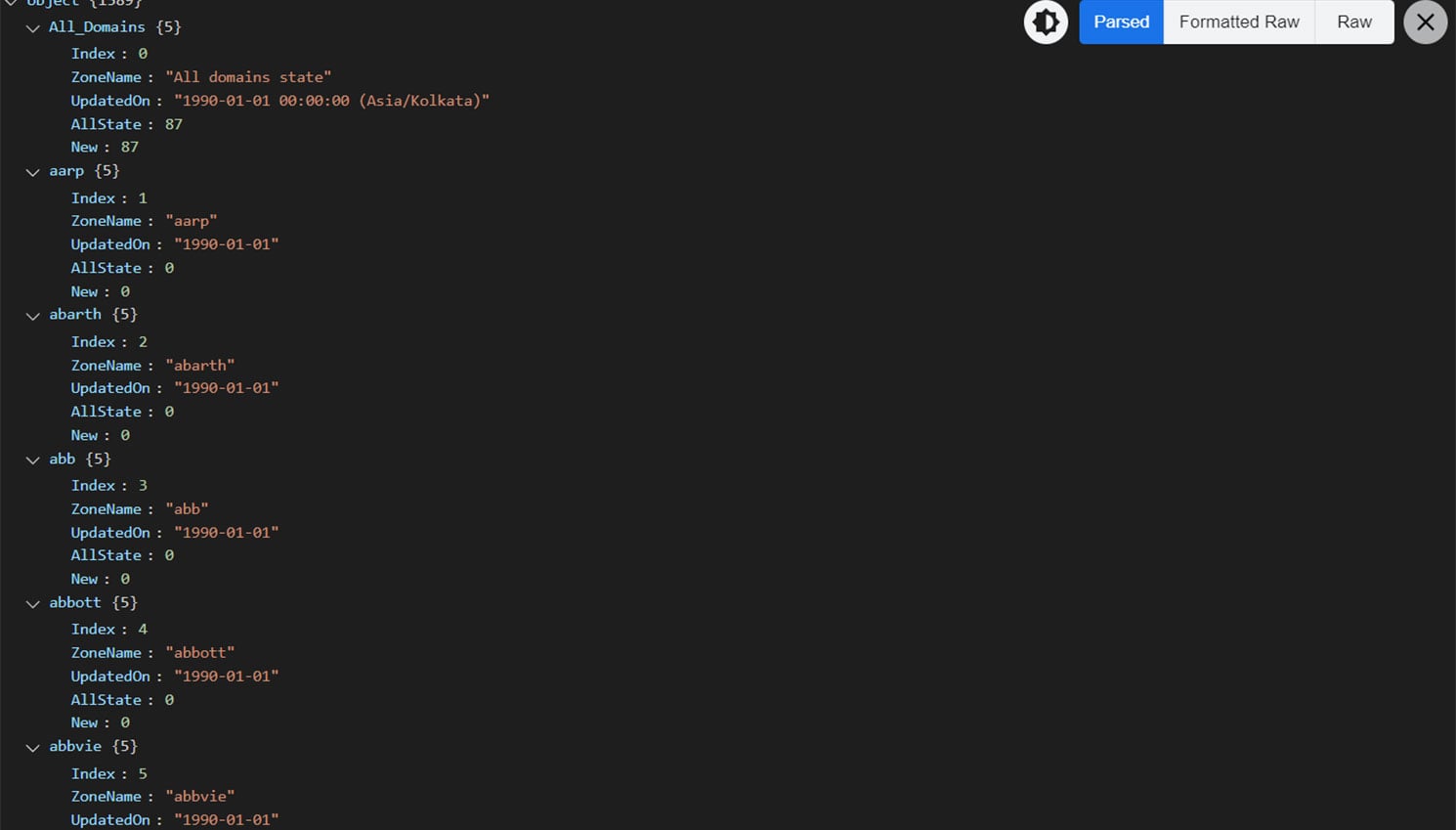
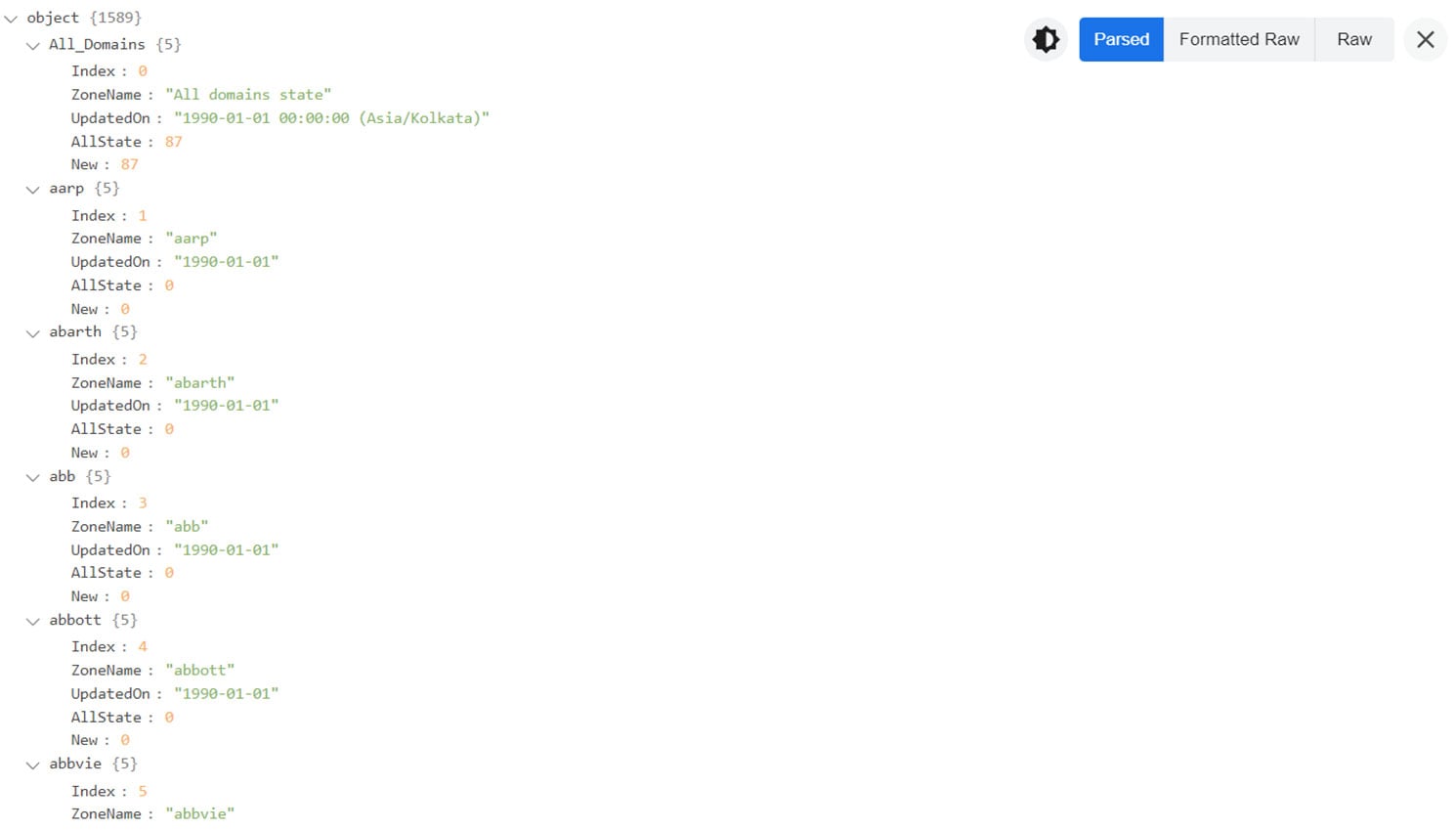
JSON Formatter formats and prettify JSON automatically in the chrome.
It comes with support for syntax highlighting and Both light and dark modes.
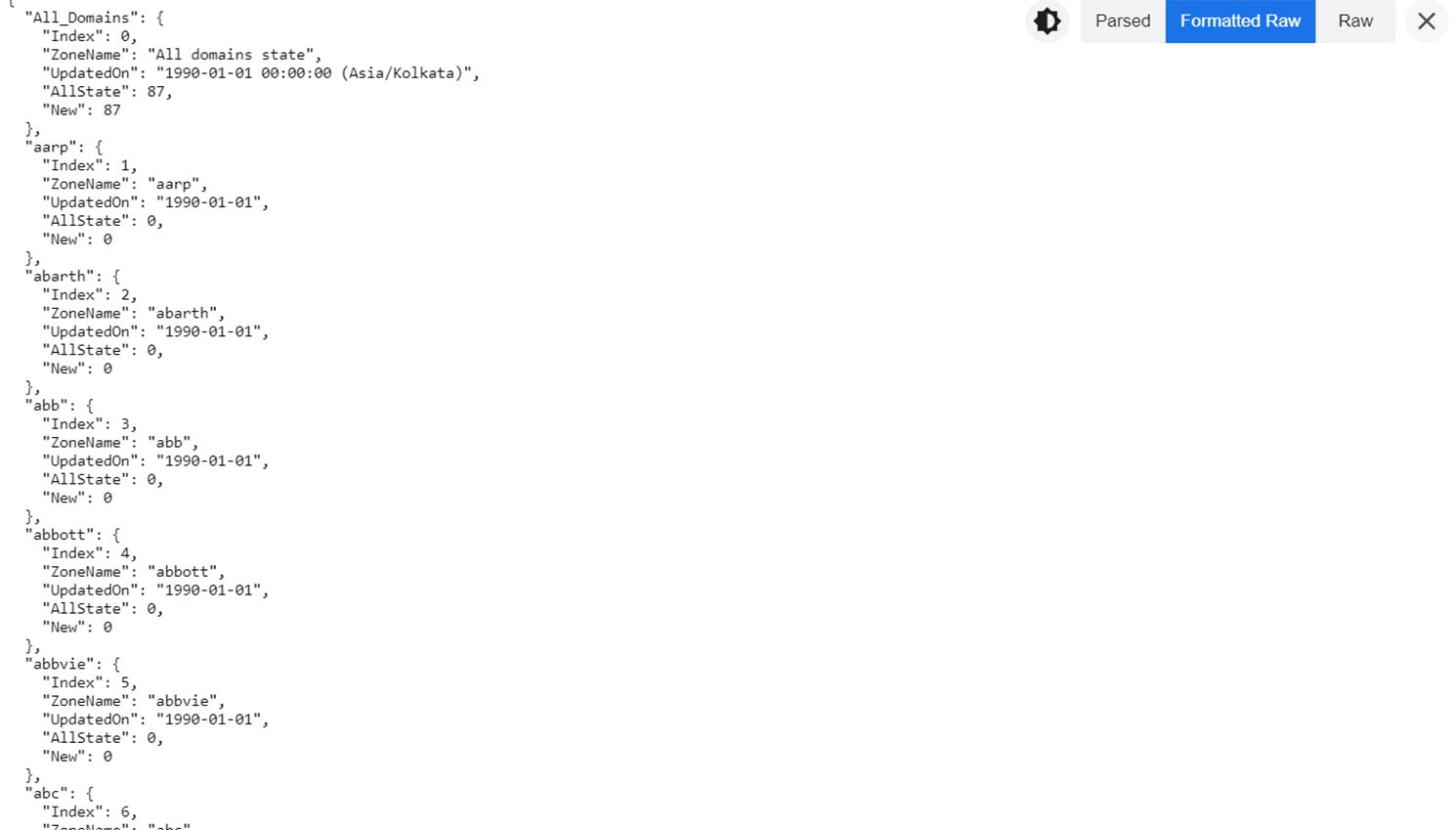
It Also linkifies the links in the JSON automatically and has both parsed and raw mode for ease of copying content.
You can also toggle modes using shortcut keys
● Parsed Mode: P key
● Formatted Raw Mode: Shift + R key
● Raw Mode: R key
● Toggle Dark Mode: D key
● Toggle Toolbar: T key
Features:
● Dark Mode
● Syntax Highlighting
● Works Offline
● Works with any JSON Webpage
● Automatically Linkify Links
● Formats JSON automatically
● Raw, Formatted Raw and Parsed Mode
● remembers Theme Preferences
● Shortcut Keys
● Collapsible Toolbar
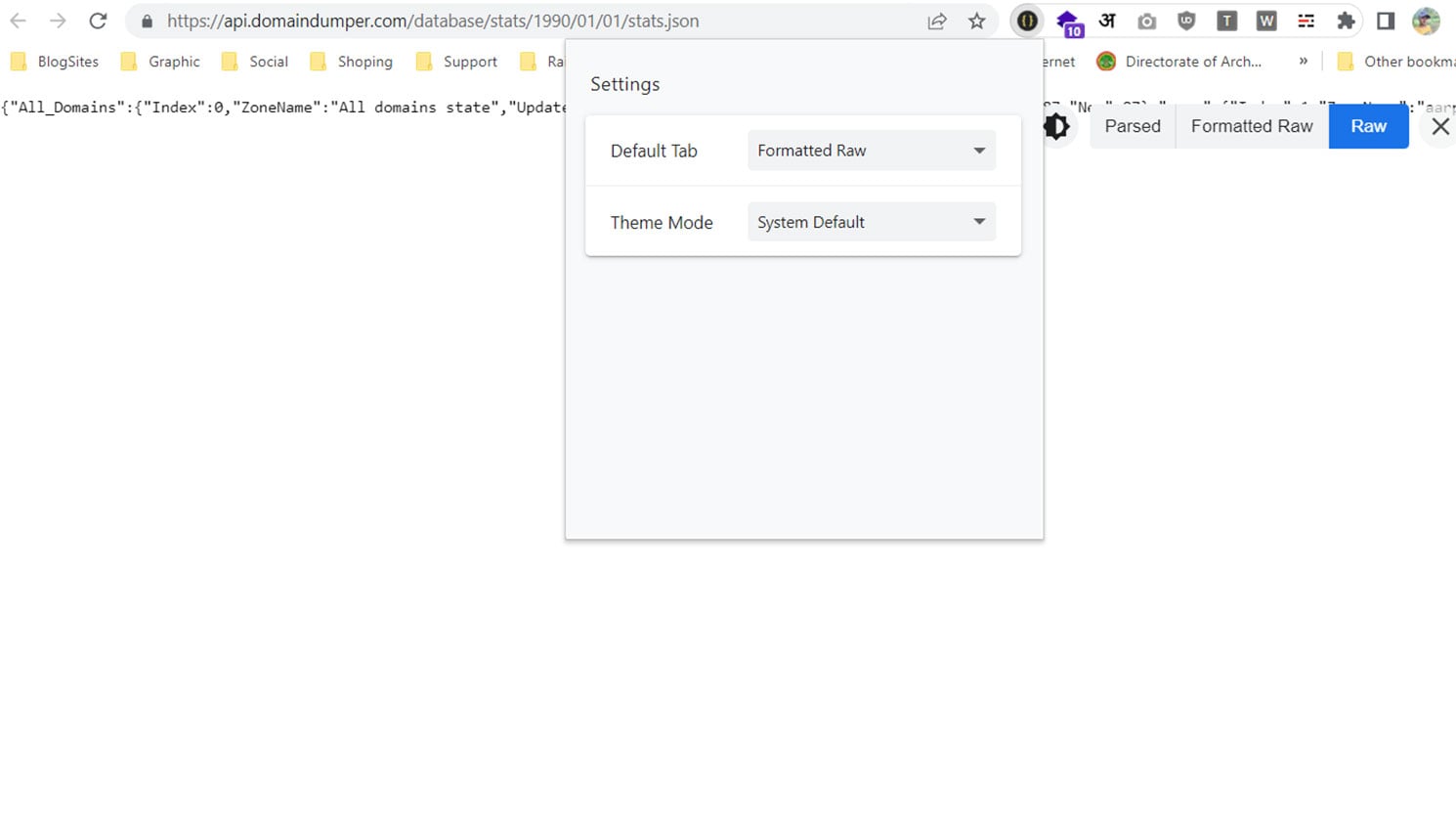
Note: By default, the Extension Theme Is "System Default" It will change according to Your browser's theme. If you want it to be the Theme of Your choice, then you have to set it from the "Extension Settings" or "Extension Options"
Extension Menu > Click "JSON Formatter"
Set the "Theme Mode" to "My Choice" and select your desired theme.
Same Procedure for changing the Default Formatting Option too. Just set your desired Option in the Extension Settings.
To make JSON Formatter work properly on all kinds of sites, in the extension permissions make "Allow this extension to read and change all your data on websites you visit:" from "On Click" to "On all sites" if not already set
To use JSON Formatter in local files, enable "Allow access to file URLs" in the extension settings.
JSON Formatter formats and prettify JSON automatically in the chrome.
It comes with support for syntax highlighting and Both light and dark modes.
It Also linkifies the links in the JSON automatically and has both parsed and raw mode for ease of copying content.
You can also toggle modes using shortcut keys
● Parsed Mode: P key
● Formatted Raw Mode: Shift + R key
● Raw Mode: R key
● Toggle Dark Mode: D key
● Toggle Toolbar: T key
Features:
● Dark Mode
● Syntax Highlighting
● Works Offline
● Works with any JSON Webpage
● Automatically Linkify Links
● Formats JSON automatically
● Raw, Formatted Raw and Parsed Mode
● remembers Theme Preferences
● Shortcut Keys
● Collapsible Toolbar
Note: By default, the Extension Theme Is "System Default" It will change according to Your browser's theme. If you want it to be the Theme of Your choice, then you have to set it from the "Extension Settings" or "Extension Options"
Extension Menu > Click "JSON Formatter"
Set the "Theme Mode" to "My Choice" and select your desired theme.
Same Procedure for changing the Default Formatting Option too. Just set your desired Option in the Extension Settings.
To make JSON Formatter work properly on all kinds of sites, in the extension permissions make "Allow this extension to read and change all your data on websites you visit:" from "On Click" to "On all sites" if not already set
To use JSON Formatter in local files, enable "Allow access to file URLs" in the extension settings.
Project Categories
Chrome ExtensionFirefox Extension
Project Impact
100%
Client Satisfaction
On Time
Project Delivery
Exceeded
Expectations
Project Gallery
Related Projects
Explore more projects from similar categories and technologies





Have a Similar Project in Mind?
Let's discuss how we can bring your vision to life with cutting-edge technology and stunning design.